Ever been to Dolly Sods in West Virginia? It is really nice.
There is a little group of cabins there called Harmans Cabins — see http://www.wvlogcabins.com/
Here are a few pictures…







Ever been to Dolly Sods in West Virginia? It is really nice.
There is a little group of cabins there called Harmans Cabins — see http://www.wvlogcabins.com/
Here are a few pictures…
Ok, so if you haven’t heard about it, Arduino is a really cool piece of “open source hardware”. In simple terms, it is a single board computer with a number of analog and digital inputs and outputs, that can be programmed from your computer, but run independently.
Arduino is an open-source electronics prototyping platform based on flexible, easy-to-use hardware and software. It’s intended for artists, designers, hobbyists, and anyone interested in creating interactive objects or environments.
I recently got this starter kit from Amazon.com:

And have since been playing with making different circuits, etc… It has been a good experience in working with lower level electronics (ohm’s law, etc…)

Hope to post more soon!
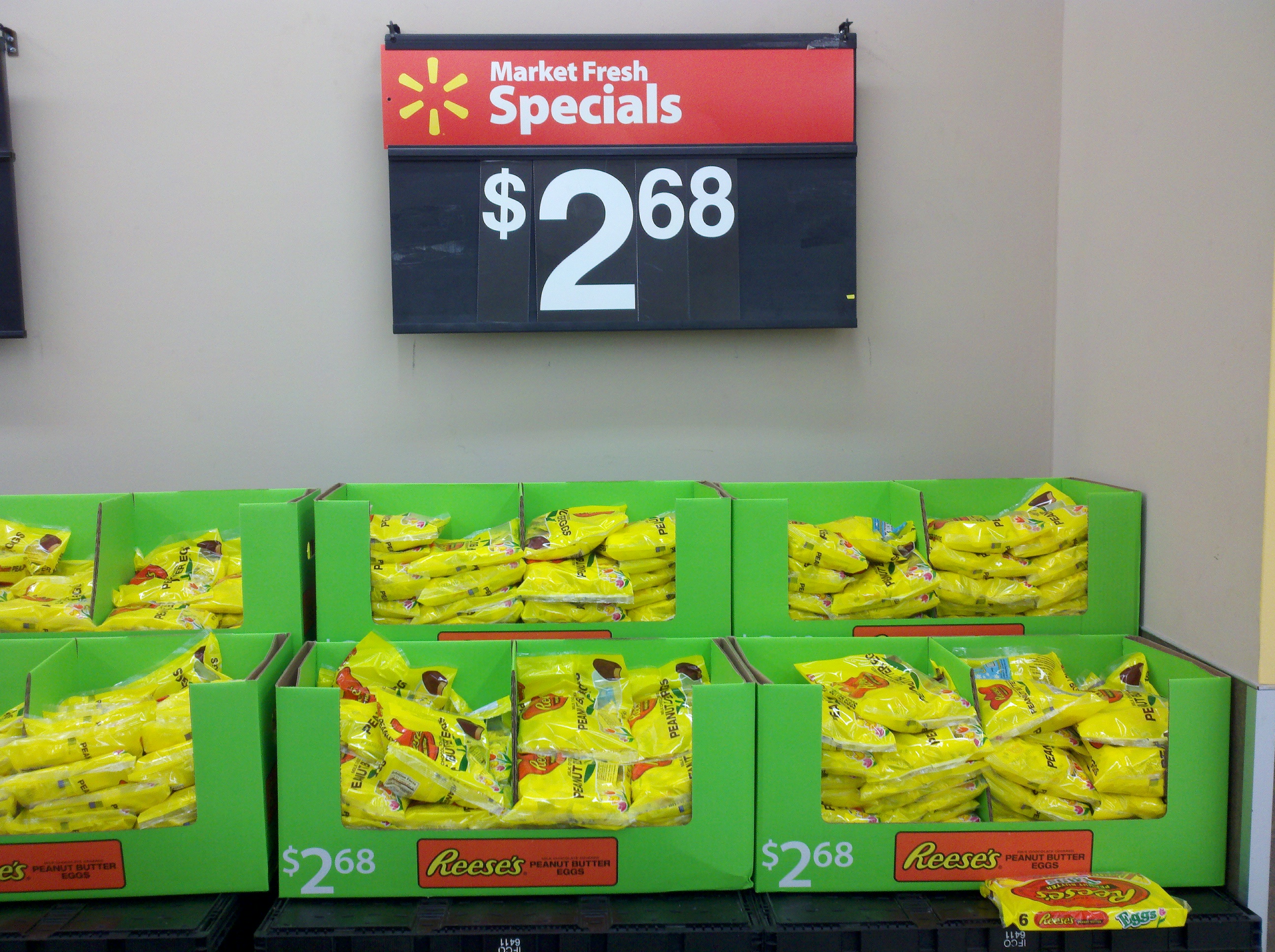
@ Altoona Walmart
Only in Internet Explorer…

Ever lose track of how much flour, sugar, milk, eggs, soap, razors, spices, motor oil, filters, nails, screws, glue, paper, staples, etc… you have on hand?
Ever shop based on hunger, rather than diciplined restocking?
Ever want to have an inventory of groceries at your house, so you don’t have to run to the store for everything?
—
Our objective is to keep consistent inventory levels of common products around the house, so we never run out of things that we should have on hand. To that end, I’ve been adding some basic household inventory tracking data to the Home School software. It has (or will have) the following features:
From that data, you will be able to pull the following information out of the system:
You will be able to pop on, print out a list of items that need inventoried, and hand it to the kids with a pencil and clipboard to go about filling out how much there actually is. Excellent math practice, especially if you deal in raw units like oz, lbs, quarts, etc… — the students will have to add/multiply/convert the units that are on the items they are counting.
For Example, you could specify that you want 4 bottles of dish soap around, or 96 ounces of dish soap around. The difference is that they will need to multiply 24 oz per bottle * 3 bottles on hand = 72 ounces — time to buy another bottle.
Here are some early screen shots:


As I recently posted, Ezra and I used The Gimp to draw a picture of two birds (swans?) on the ocean.
Our next step was to turn this into a puzzle for Mr. Puzzle (Ezra).
—
Holding the Ink Jet printout prior to gluing.

Applying glue evenly to the board.

Adhering the printed image to the wood with glue.

Examining the puzzle before cutting.

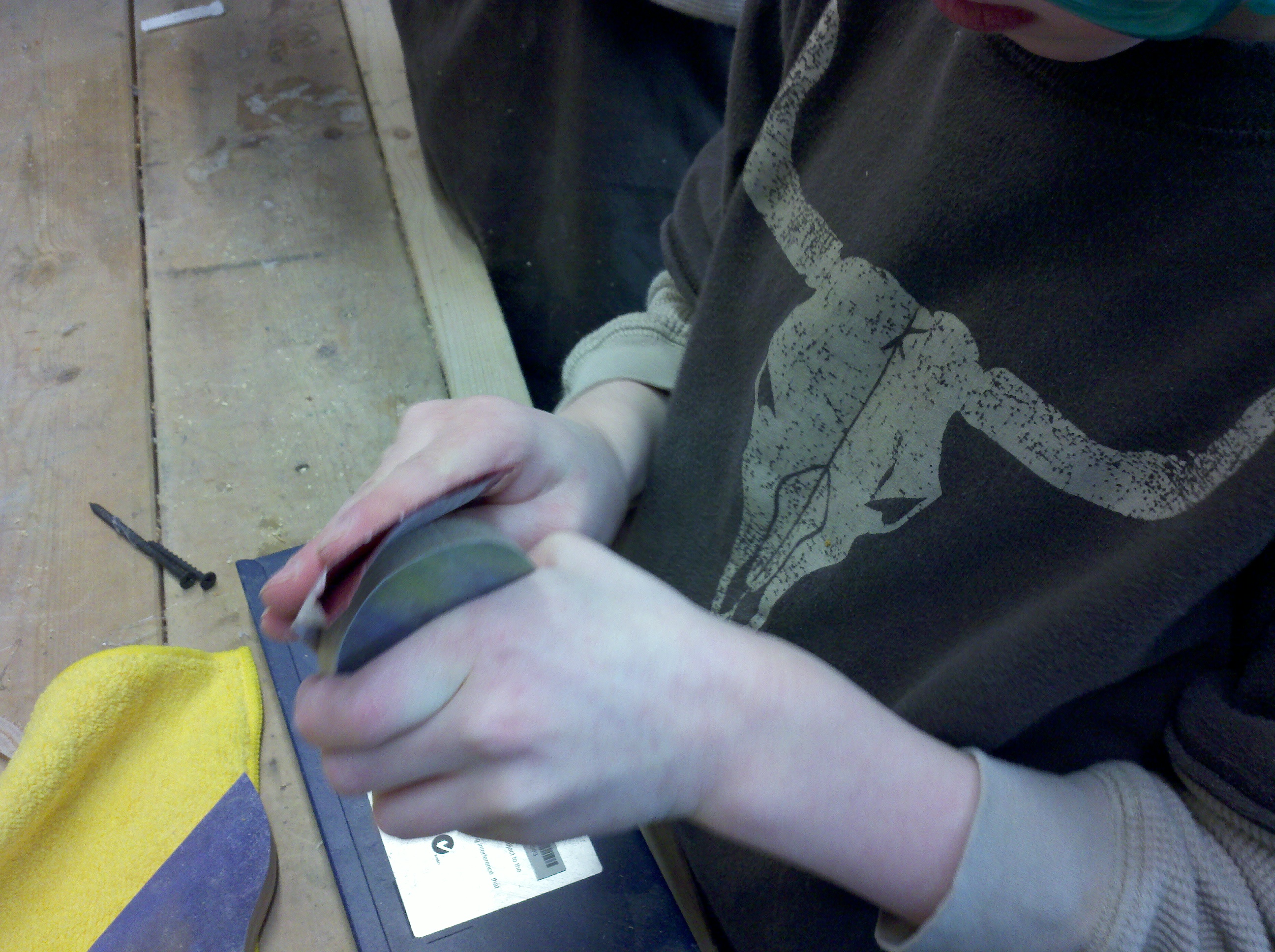
Sanding a piece of the puzzle.
The finished product!
A closeup.. I was really happy with how nice it turned out.

All of the pieces!

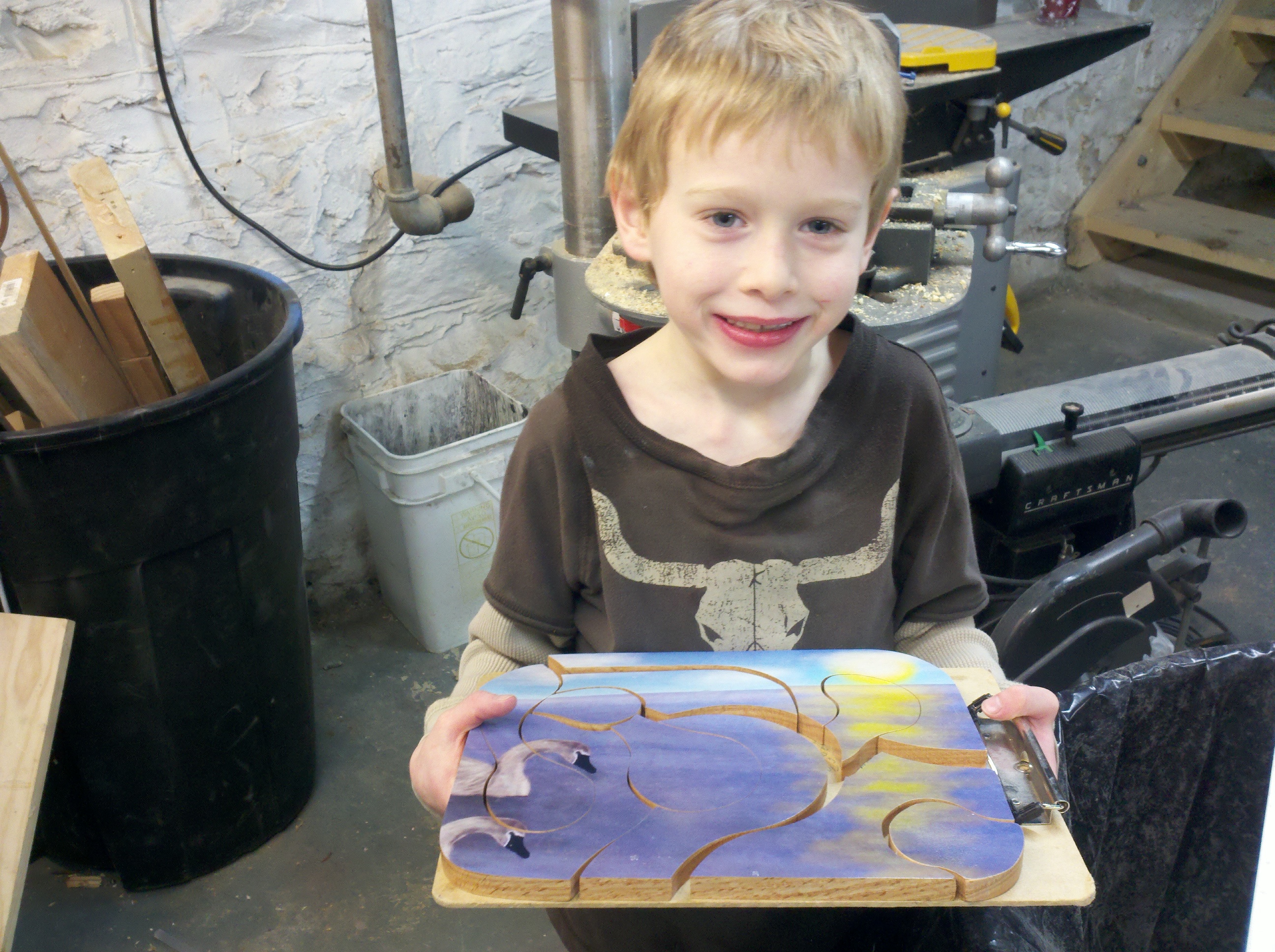
And a happy Mr. Puzzle!
Jeffrey T. Garber Jr. recently painted this on a canvas about 10 x 20 inches. Incredible talent.

Ezra and I drew this using The Gimp. It would be fun to get a drawing tablet to mess around with (this was done with a mouse).

I took this today and thought it was quite majestic.

 The Gahooa Perspective