We put together another toy robot. Looking for a good design that we can quickly make a few of…
Like it?


We put together another toy robot. Looking for a good design that we can quickly make a few of…
Like it?
About Tempering Metal (how I explain it to kids):
The little metal guys normally stand at attention in rows — millions of them (molecules). When you heat them up red hot, they start dancing and get all mixed up and out of order; not in rows any more. When you cool them down, they get back into nice neat rows.
However, when you cool them off really fast by dipping in cold water, they get frozen before they can get back into nice neat rows!
If the metal guys are in nice neat rows, and you push on a row really hard, they can all move sideways. But if they are all mixed up, it’s hard for them to move any way.
This makes the metal really hard.
As part of Ezra’s box project, he needed to countersink the nails into the plywood. I should have one, but I don’t have a countersink handy that would do the trick.
So we made one!
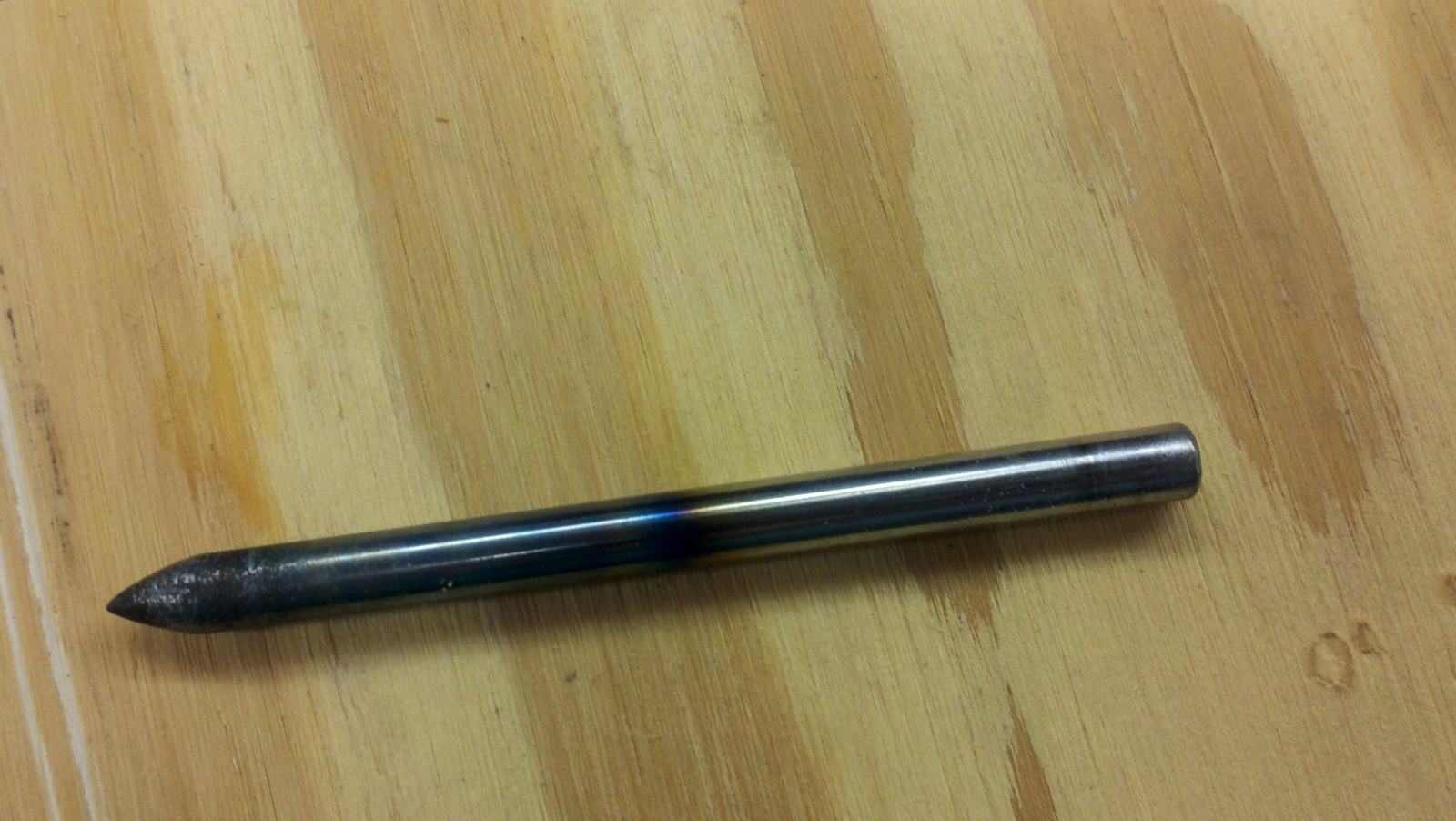
1/4″ diameter W1 tool steel rod (water hardened) was cut down to about 3.5 inches long. Being that I don’t have a metal lathe, I improvised by chucking the metal into my drill and grinding it on the grinder – while spinning. This resulted in a fairly uniform (albiet scratched) conical point. We wire brushed it a bit on the grinder to smooth it out, and then took it over to the other side of the shop for heat treatment.
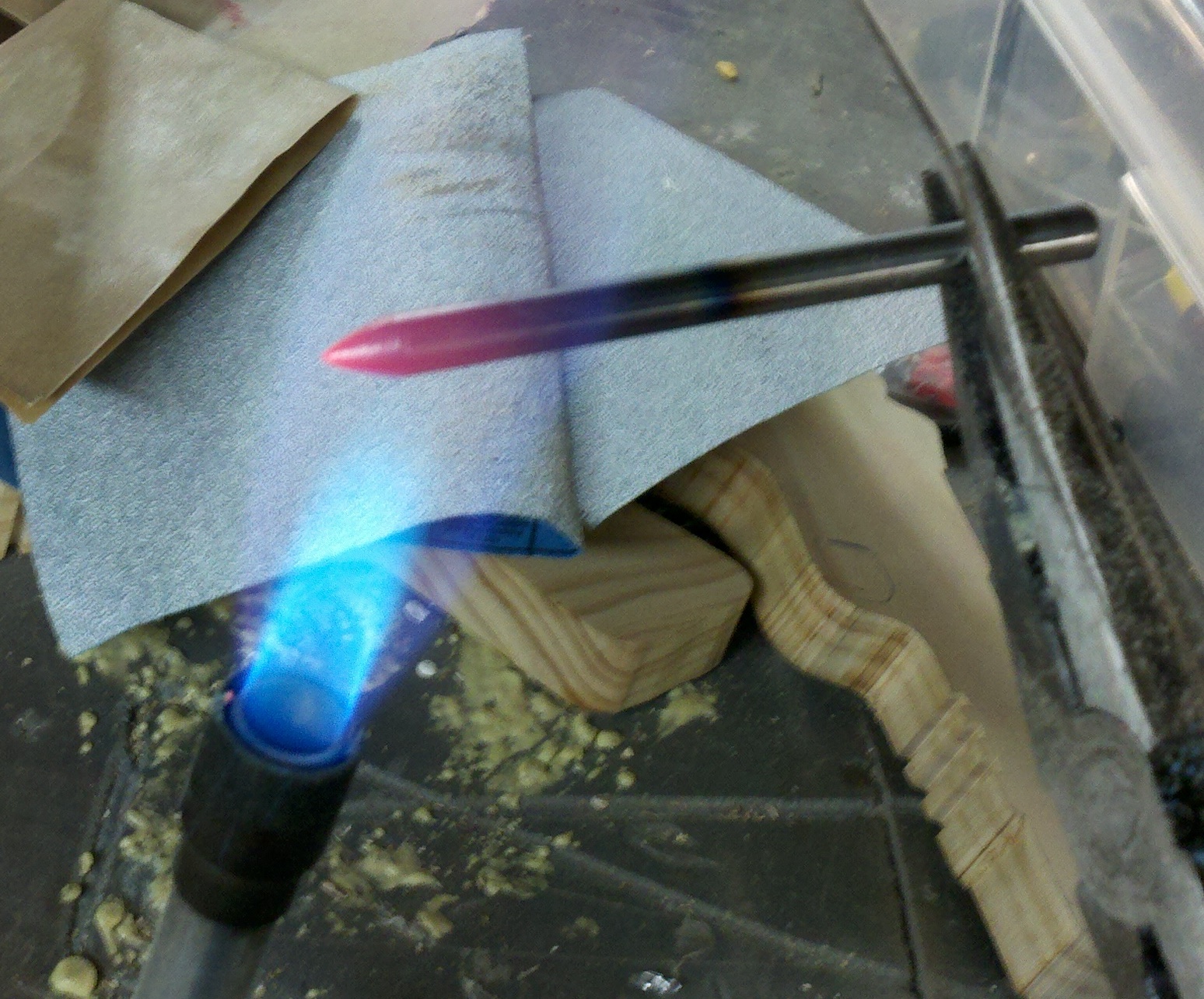
This casual approach to tempering worked well for our purposes. We heated the metal red hot (just the end) and dunked it in cold water. Then we polished it up a little bit.
In informal tests, this made it REALLY hard. If I placed a nail against the top end and banged it, it would scratch the punch. If I placed a nail agains the bottom (hard) end and banged it, it would flatten the nail without even marking the surface of the punch.
Also, the punch would reliably put small holes in a cast-iron vice and other metal without any noticeable deformation. Nice!
Here is the pictures:
(Fire extinguisher was about 2 feet to the left, in case you were wondering!)

Ezra brought me a piece of plywood today with pencil marks drawn all over it. That is where he wanted it cut. So I ripped it on the table saw and cross cut it on the compound mitre saw…
I gave him a little help laying this out, showed him how to clamp it, and then he went to town drilling 1/16″ holes and pounding finishing nails into it.
Only 2 breaks in the drill-bit, which isn’t bad for such a small bit and a 7 year old.
It turned out nice! We’ll put a lid and hinges on it soon.


I snapped this with my Droid X the other night.

After several intense programming sessions, I got the HomeSchool software in a quite suitable place for us to be able to use it to produce a log and portfolio.
I must say, it’s looking pretty nice! It is rather amazing to look back at the year, and see in detail what was going on with Eli.
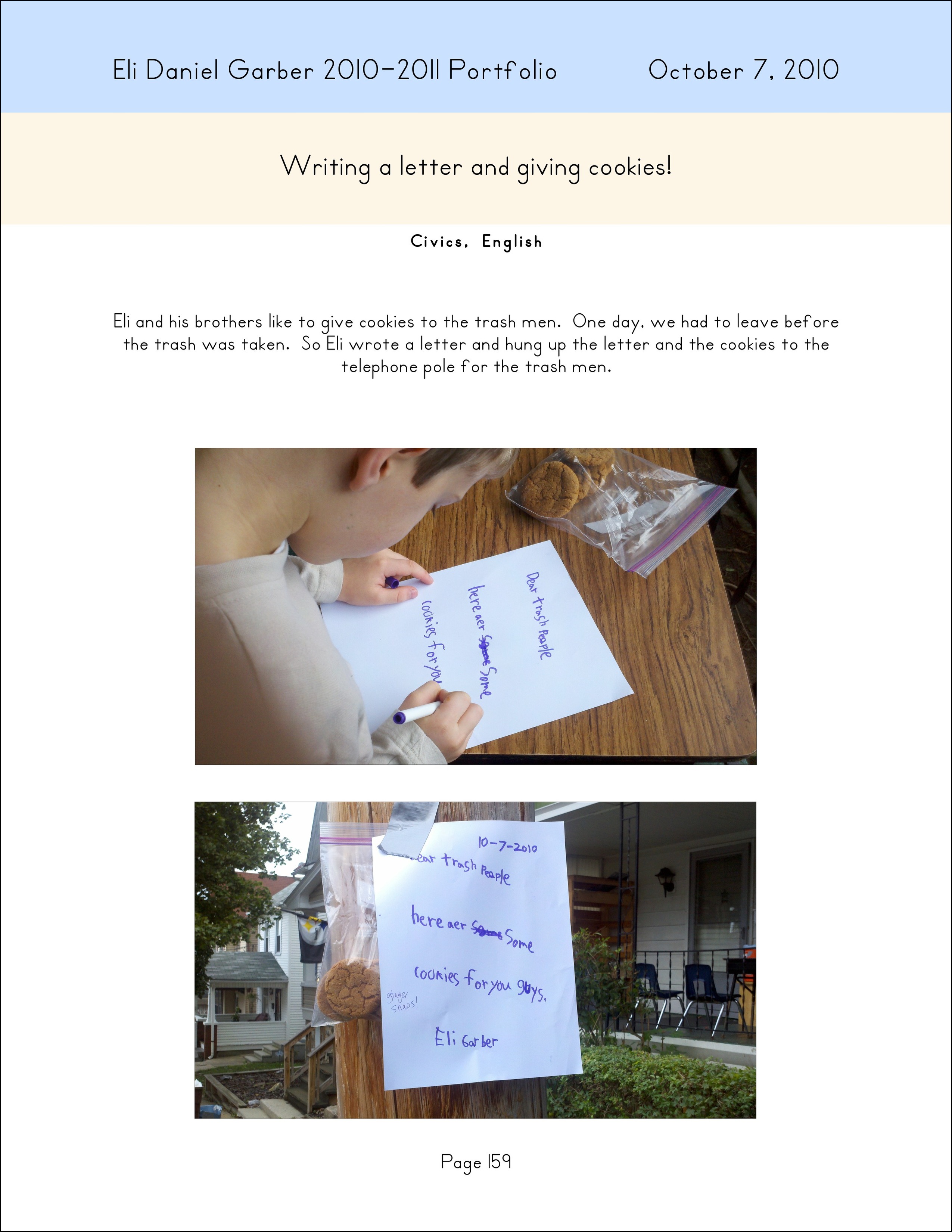
One of my favorites is on page 159 (read the letter on the telephone pole):
Here is a screen shot of the book view:

Found a spring… dug a hole. Ultimate kid playground!
As I recently posted, Ezra and I used The Gimp to draw a picture of two birds (swans?) on the ocean.
Our next step was to turn this into a puzzle for Mr. Puzzle (Ezra).
—
Holding the Ink Jet printout prior to gluing.

Applying glue evenly to the board.

Adhering the printed image to the wood with glue.

Examining the puzzle before cutting.

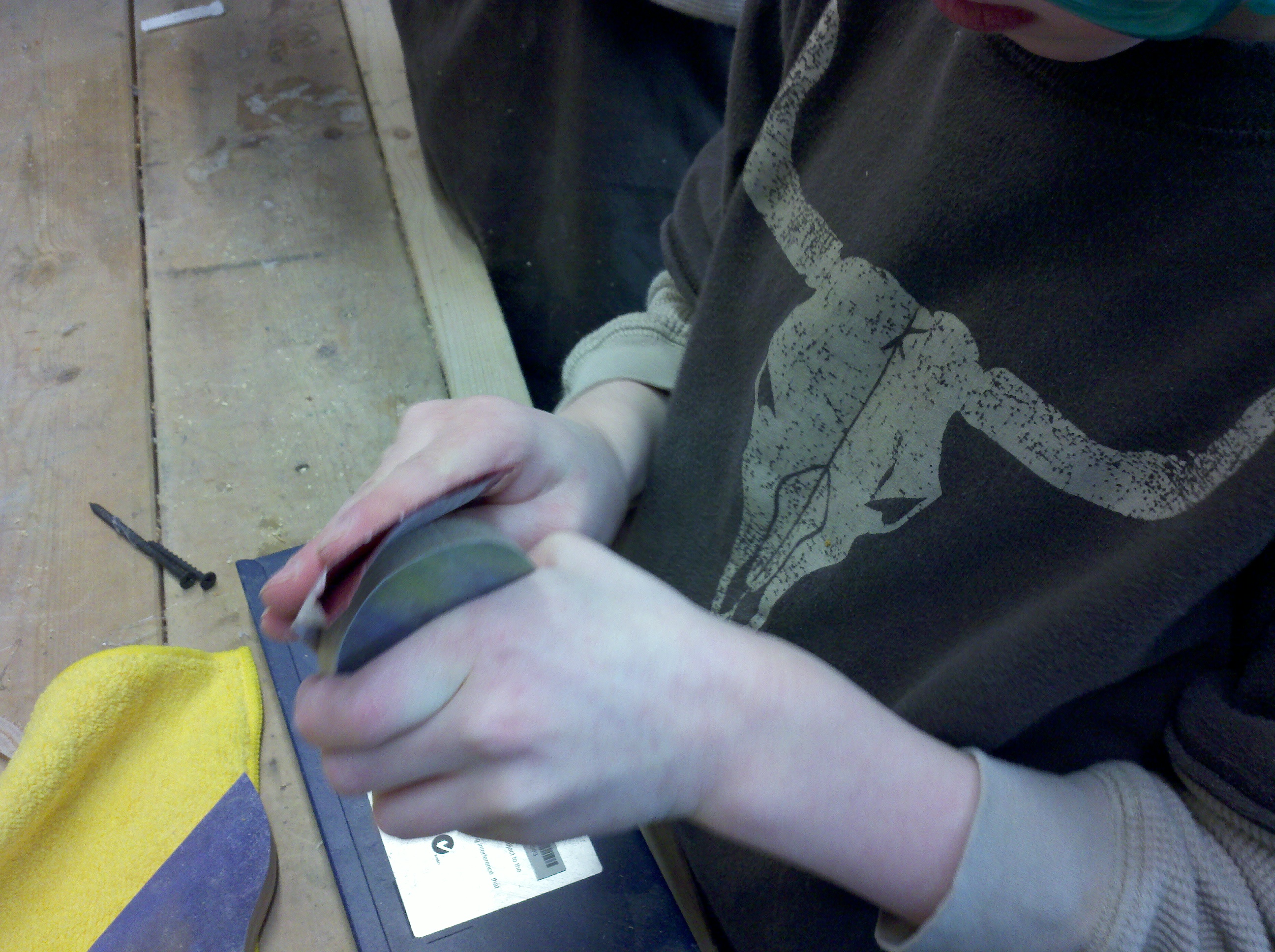
Sanding a piece of the puzzle.
The finished product!
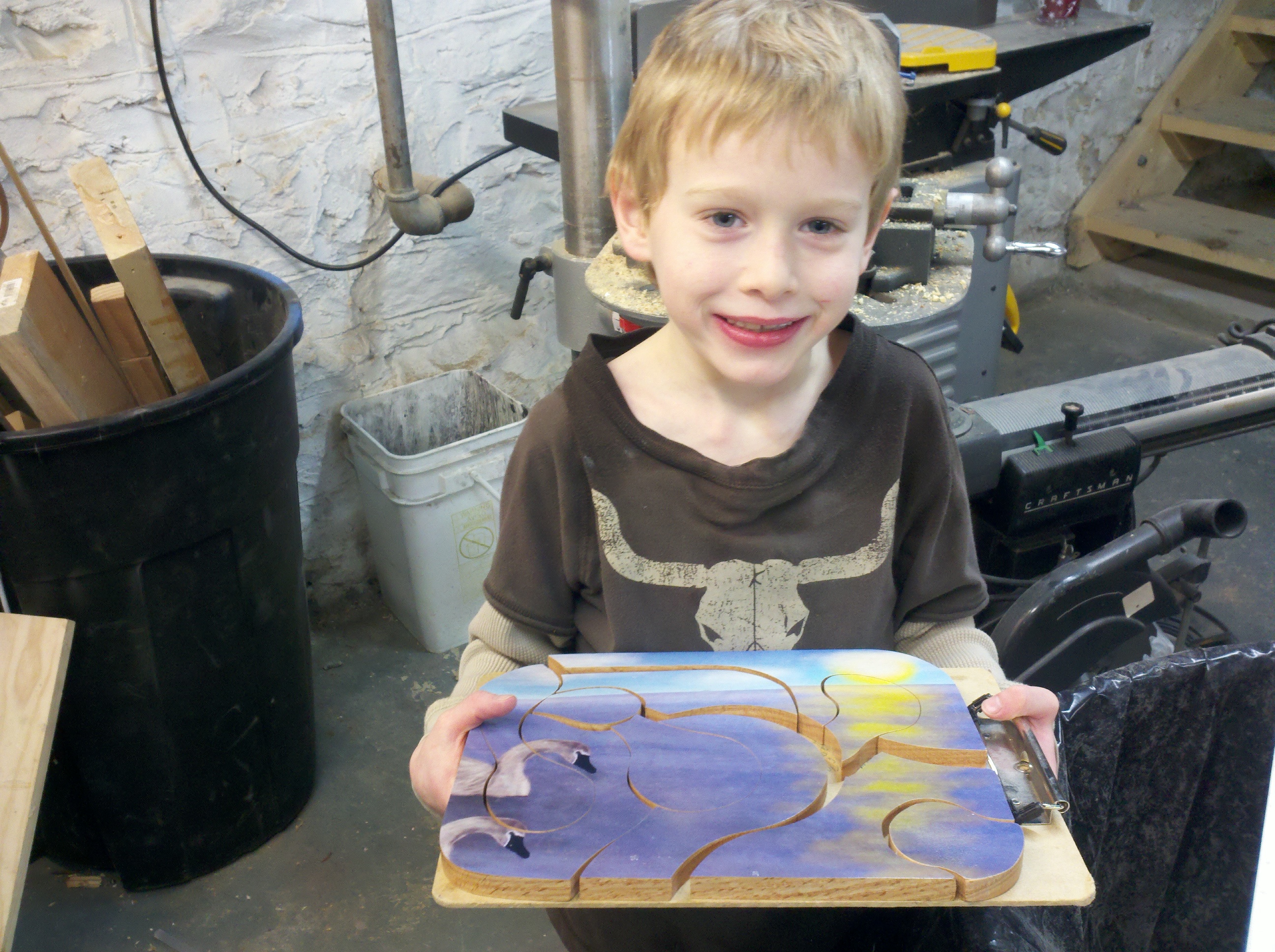
A closeup.. I was really happy with how nice it turned out.

All of the pieces!

And a happy Mr. Puzzle!
Ezra and I drew this using The Gimp. It would be fun to get a drawing tablet to mess around with (this was done with a mouse).

This one was comprised of about 87 overlapping photographs.
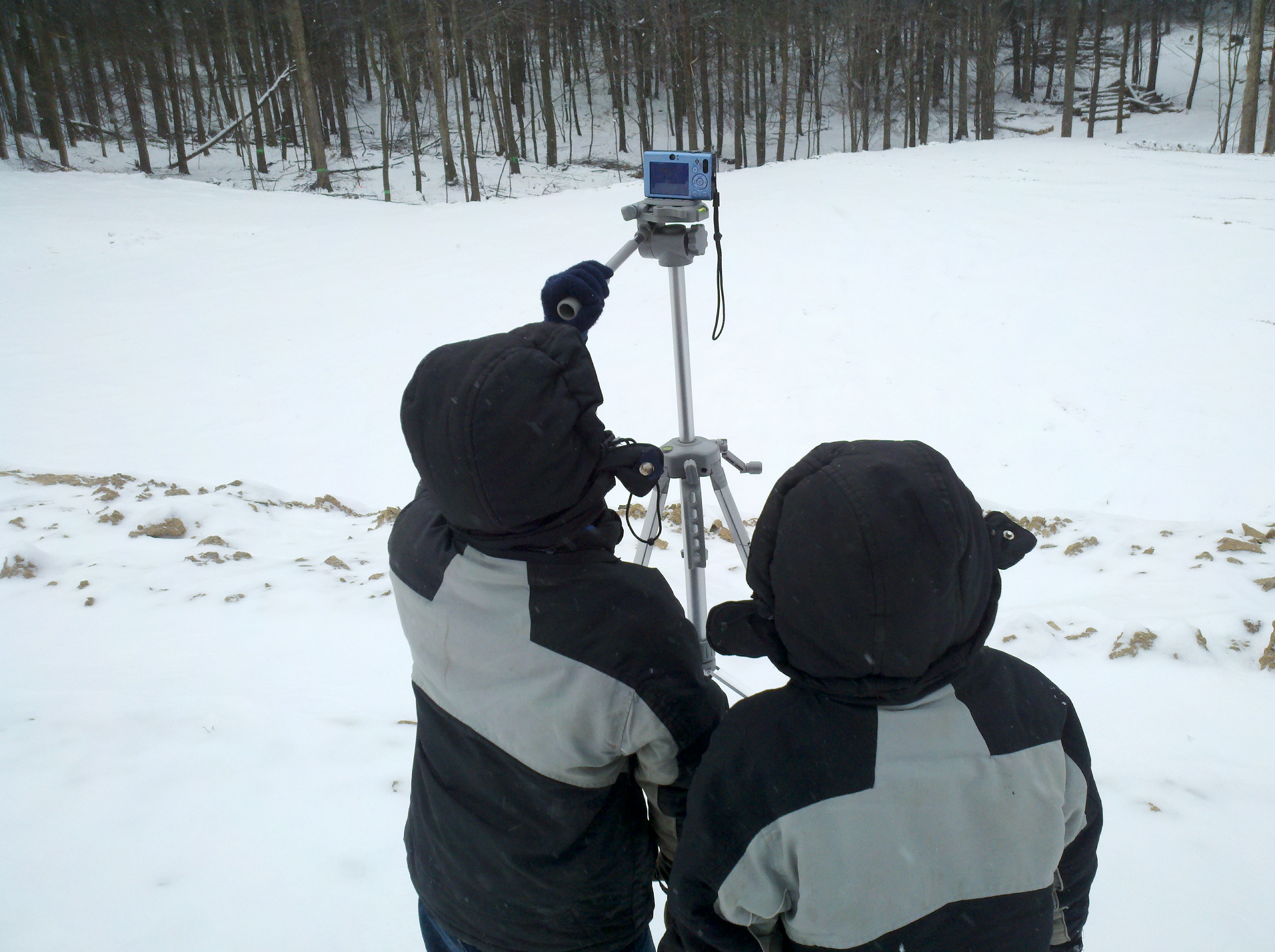
Eli took his new tripod, on a bitter cold day, and set it up on the “top tier” of cleared ground, capturing about 270 degrees of the scene.
Again, we used Hugin to stitch it together.
(click image to see full size version)

The cameramen at work…

And lastly, here is the recorded “activity” in the new Home School software.

Using the Motorola Droid X, I took about 10 photographs at 5MP, freehand. Then I used Hugin, the open source image stitching software.
I had never stitched images together, but I must say this tool is impressive. The images were all various shades, angles, and since taken freehand, not straight.
However, see the result below…

 The Gahooa Perspective