Using Solidworks to design Stepper Motor Assembly (1)

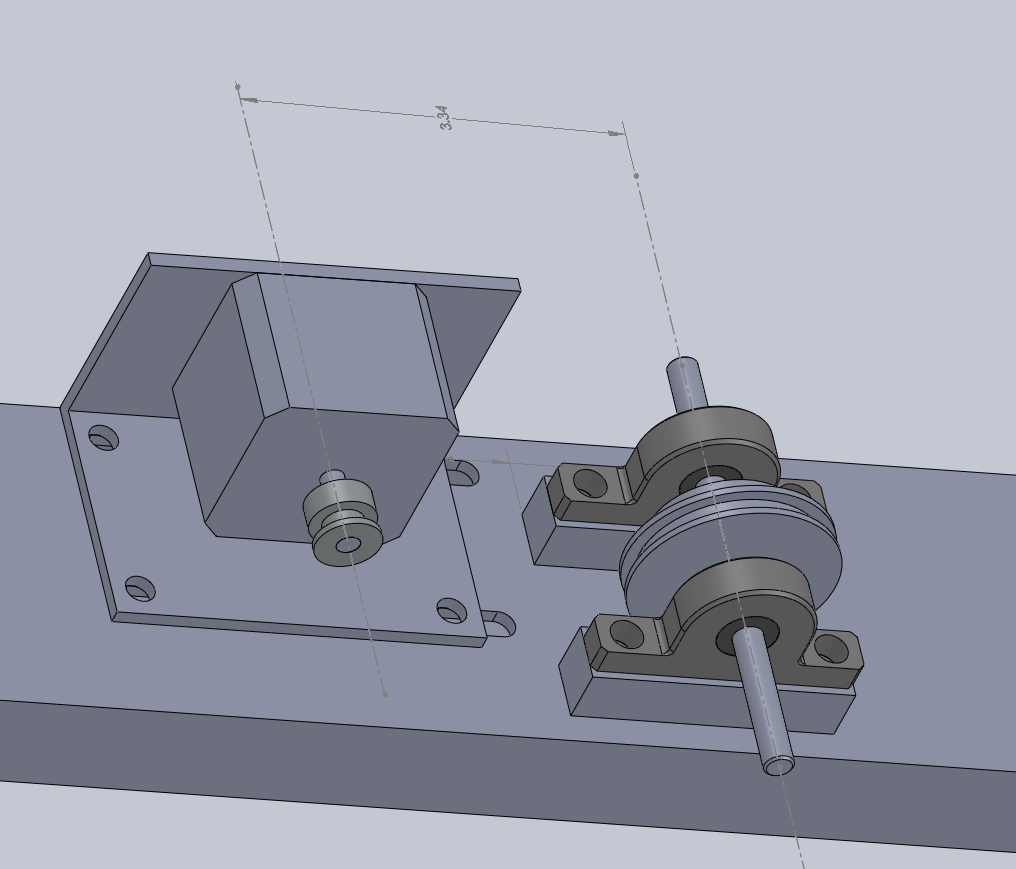
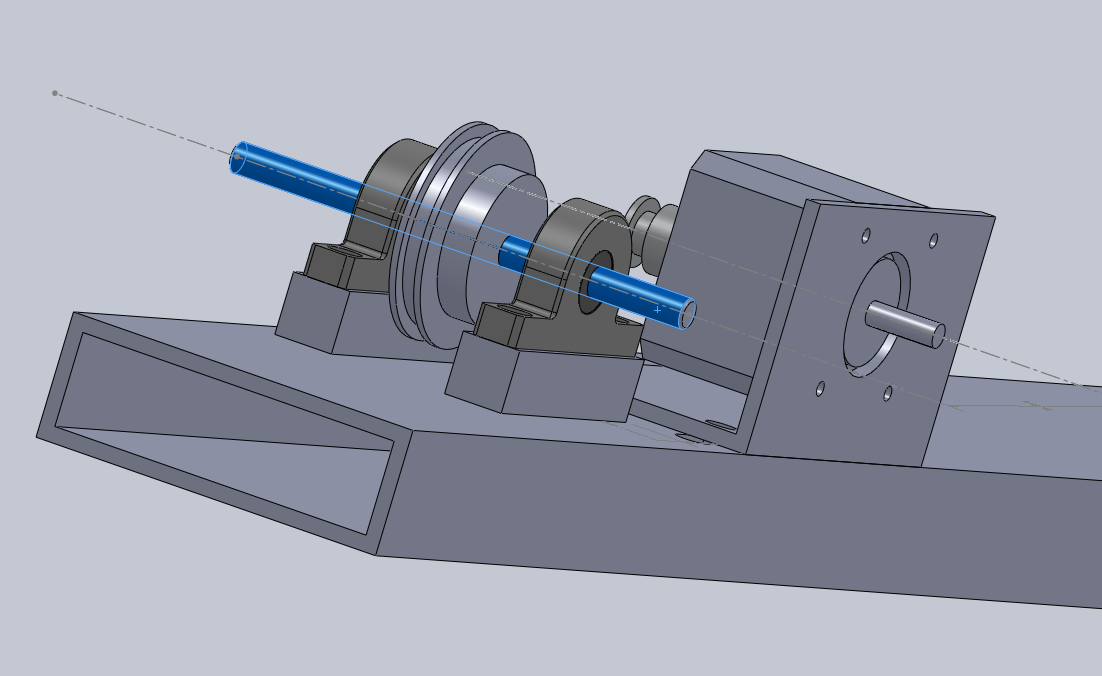
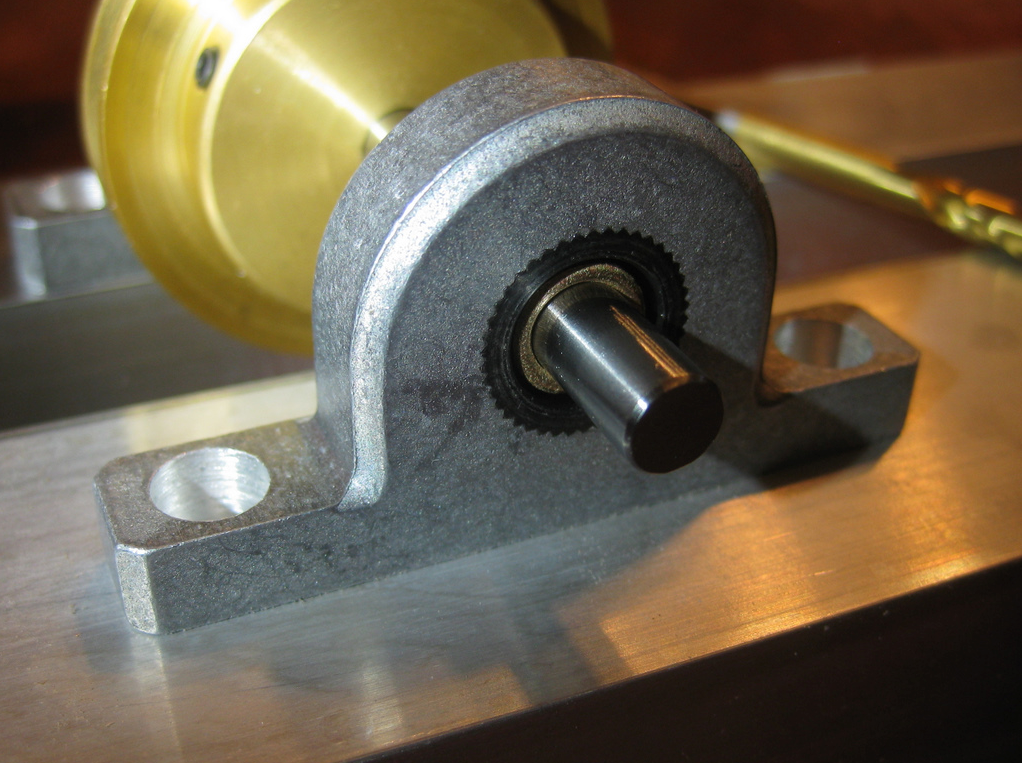
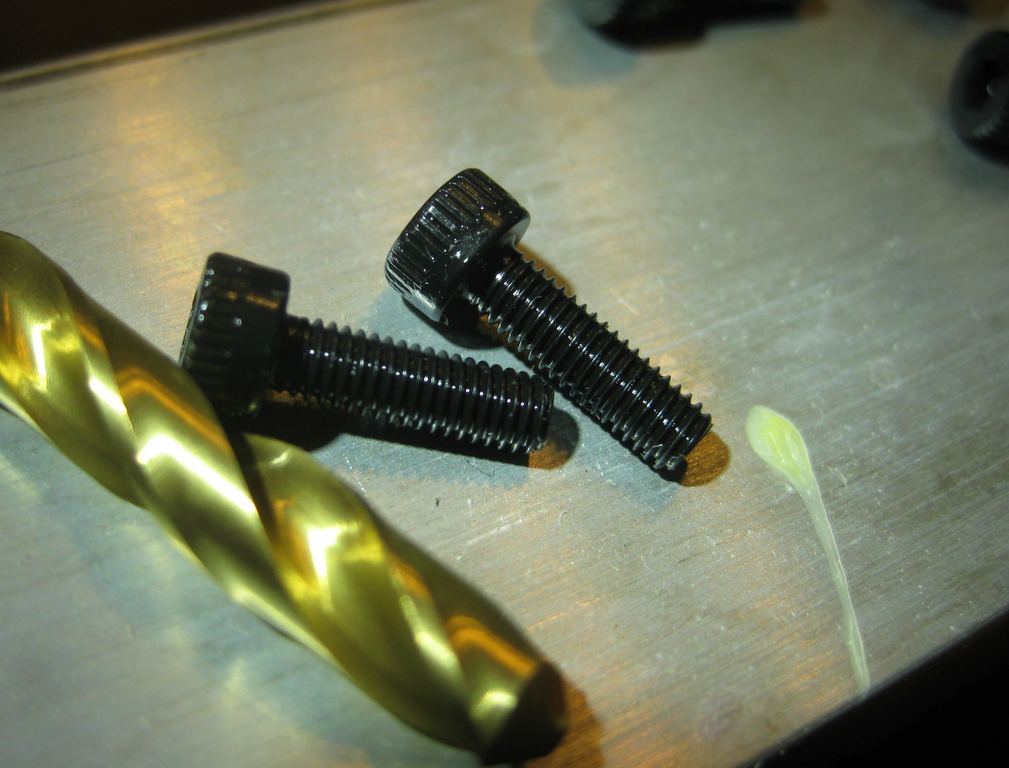
Have recently acquiried a nice stepper motor from Jameco Electronics.  It is a small motor, less than 2″x2″x2″, but still has substantial torque.  I will get into more Arduino + Circuits + Electro-Mechanical detail soon, but for the moment, I wished to share a couple of screen-shots of the 3D model and the actual parts that I am modeling and assembling.

In this model, I’m (quite happily) making heavy use cross-part references in the assembly.  I caught onto that concept by reading the Top Down Design Overview at the SolidWorks website.


Chemistry Photography

Chemistry Photography

[Charcoal + Potassium Nitrate + Sulphur] when ground together in the right proportion, make … great photos!

Here is a scene from chemistry class.


First, we made charcoal by heating hardwood without oxygen.  This produces a lot of smoke, but in the end, all that’s left in the test tube is charcoal sticks.

Second, we ground the charcoal to a powder, and added a some potassium nitrate and sulphur.

Here is a spoonful of the fresh made black powder

Upon touching a hot coal to it, it ignited and combusted with a lot of smoke!

Quite bright!  This is a neat photograph (taken with Droid X)


(Proper safety precautions were taken during this class, including fire prevention and eye protection.  Do not repeat without appropriate knowledge and safety precautions in place)


Home School Software in Production Use!

Just an update on the use of our Home School software package…  So far, we have entered 216 activities with 462 images/scans across 13 projects, 12 subjects, and 4 students.

Nearly all of the photographs we take are with the Motorola Droid X.  Provided you have sufficient light, the quality is very acceptable.

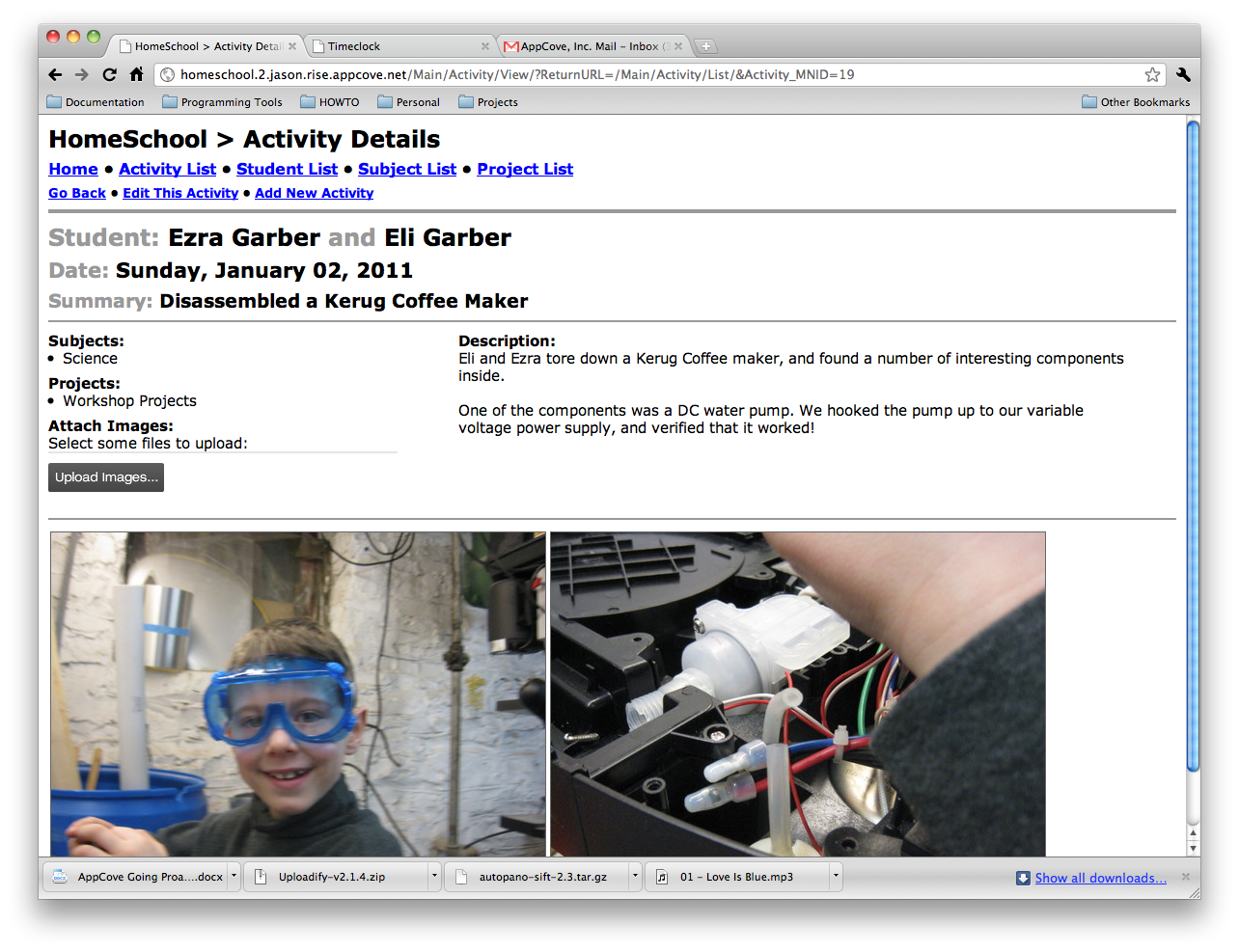
Here is one of the latest activities recorded:

Arduino, Transistors, Motors, and LEDs

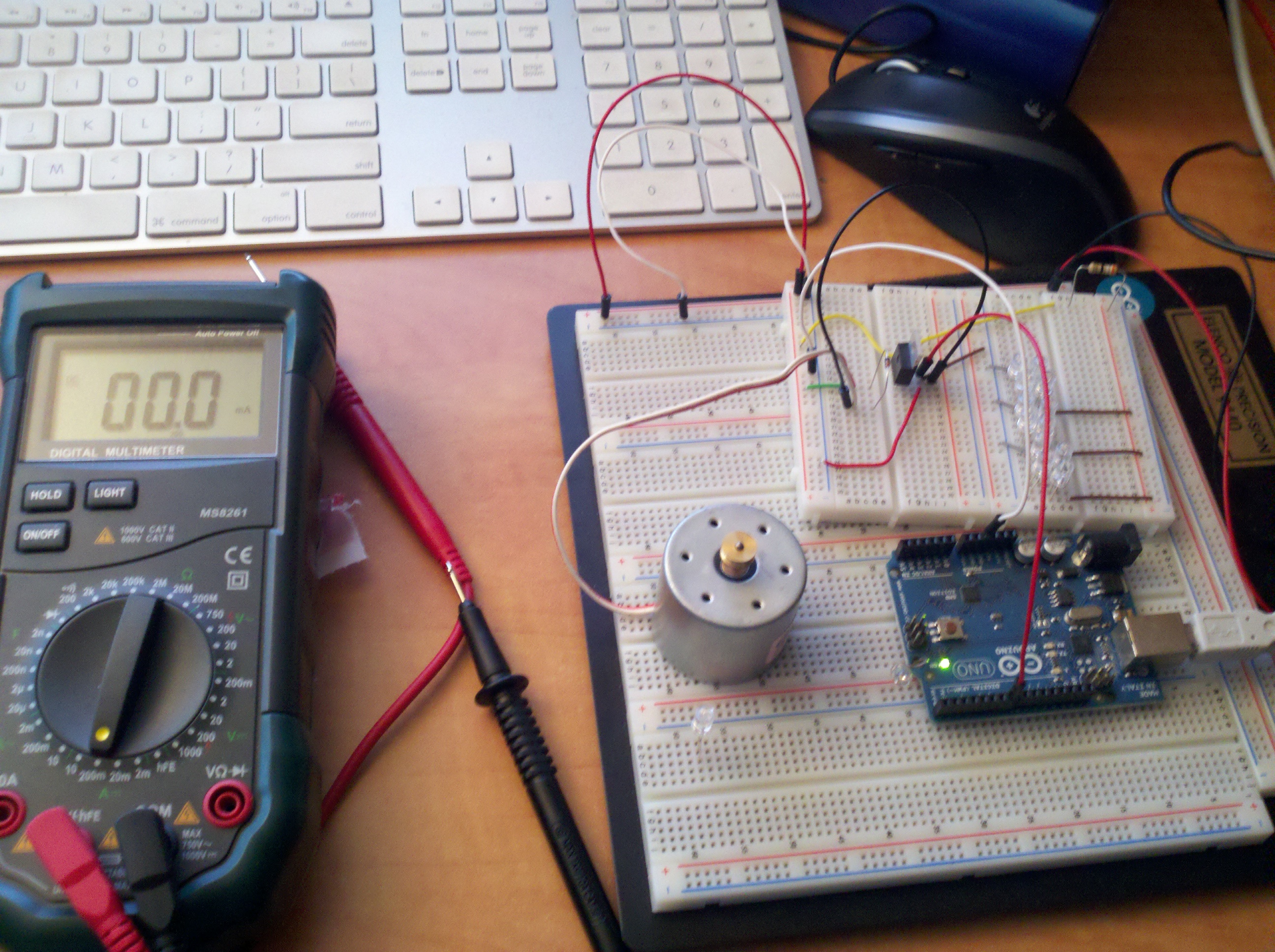
Well, the fun is increasing with Arduino.  We hooked up some circuitry which enables a transistor to switch a fairly large 12V load via a very small 5V digital pin on the Arduino board.

This has been a great learning resource: http://www.kpsec.freeuk.com/trancirc.htm

Basically, we have 12V power going through a motor circuit (protected by a signal diode), and then to the collector of a transistor.  The emitter of the transister is connected to ground.

Lastly, the Arduino ground is joined with the emitter, and the transistor is switched by a 5V digital output pin on the Arduino board.

Now, just need to find something useful to do!


Home School Software: Inventory Tracking

Ever lose track of how much flour, sugar, milk, eggs, soap, razors, spices, motor oil, filters, nails, screws, glue, paper, staples, etc… you have on hand?

Ever shop based on hunger, rather than diciplined restocking?

Ever want to have an inventory of groceries at your house, so you don’t have to run to the store for everything?

Our objective is to keep consistent inventory levels of common products around the house, so we never run out of things that we should have on hand.  To that end, I’ve been adding some basic household inventory tracking data to the Home School software.  It has (or will have) the following features:

  • Areas — places that you store products (freezer, basement shelves, kitchen, bathroom, etc…)
  • Items — each “thing” that you want to keep in a given area (flour, sugar, toothpaste, etc)
  • Units — lbs, each, bottle, roll, case, etc…
  • Min Quantity — minimum amount to have on hand
  • Max Quantity — max quantity to have on hand
  • Check every [] days — how often should this item be checked?

From that data, you will be able to pull the following information out of the system:

  • All items and current inventory levels
  • Graphs of inventory levels over time
  • Which items (sorted by area) need checked now
  • What needs refilled (eg, the container of sugar in the kitchen, from the big bags in the basement)
  • What needs purchased (40 eggs, 24 rolls of TP, 10 lbs of sugar)

You will be able to pop on, print out a list of items that need inventoried, and hand it to the kids with a pencil and clipboard to go about filling out how much there actually is.  Excellent math practice, especially if you deal in raw units like oz, lbs, quarts, etc… — the students will have to add/multiply/convert the units that are on the items they are counting.

For Example, you could specify that you want 4 bottles of dish soap around, or 96 ounces of dish soap around.  The difference is that they will need to multiply 24 oz per bottle * 3 bottles on hand = 72 ounces — time to buy another bottle.

Here are some early screen shots:


Making of the “Two Swan” puzzle

As I recently posted, Ezra and I used The Gimp to draw a picture of two birds (swans?) on the ocean.

Our next step was to turn this into a puzzle for Mr. Puzzle (Ezra).


Holding the Ink Jet printout prior to gluing.

Applying glue evenly to the board.

Adhering the printed image to the wood with glue.

Examining the puzzle before cutting.

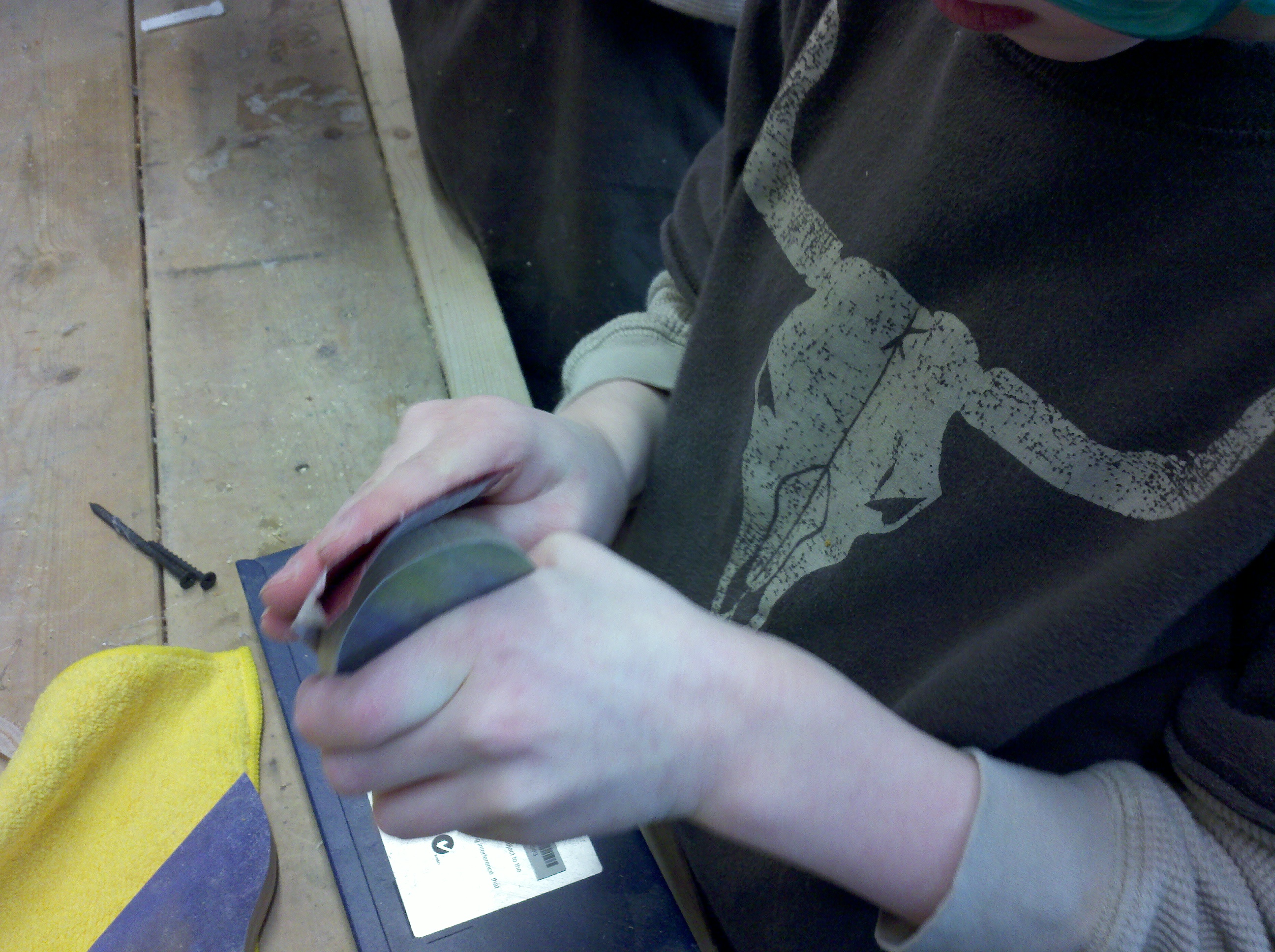
Sanding a piece of the puzzle.

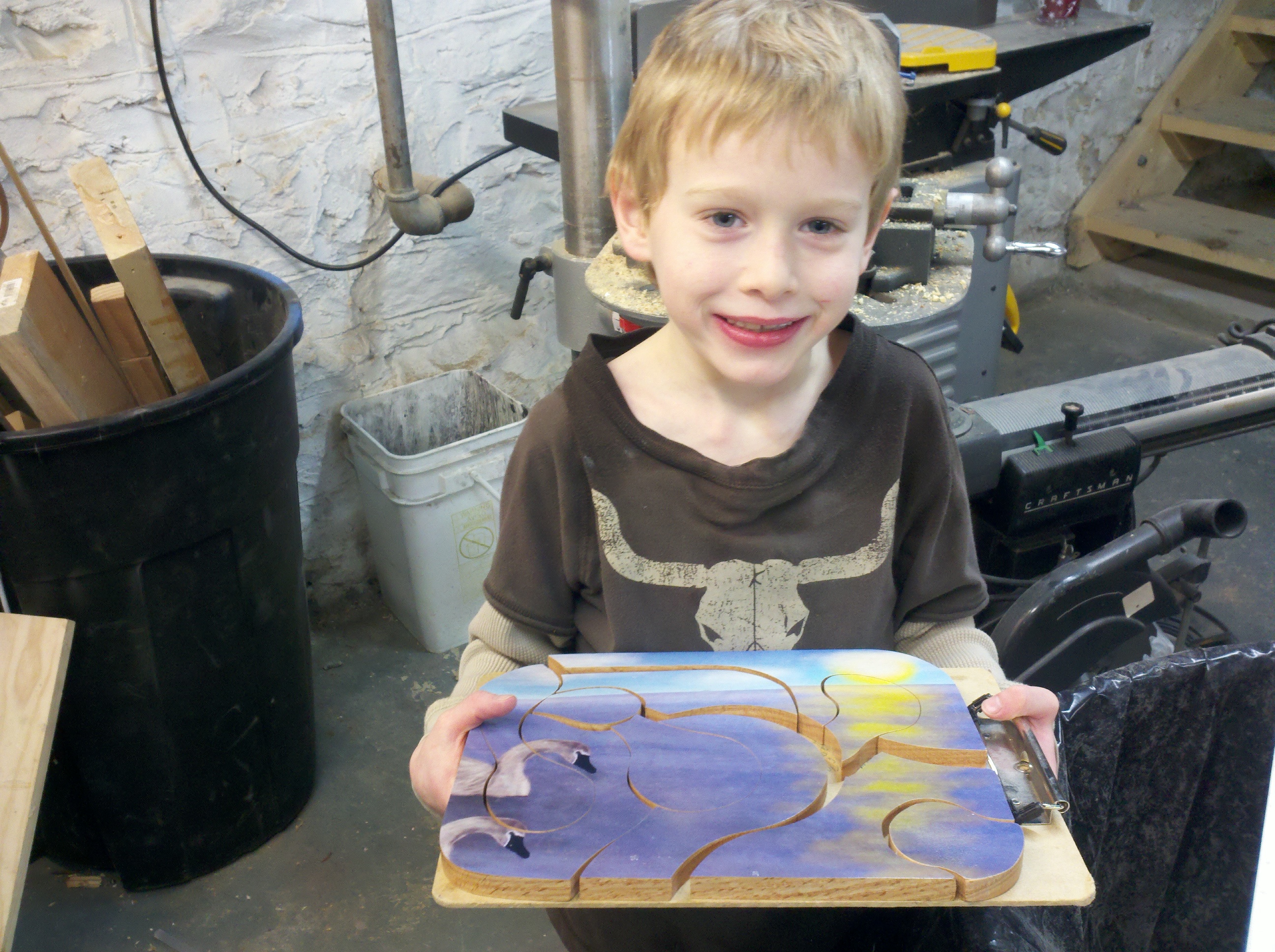
The finished product!

A closeup.. I was really happy with how nice it turned out.

All of the pieces!


And a happy Mr. Puzzle!

Home School Software now supports Images!

Today I got to a great milestone with the homeschool software I discussed here.  It now has excellent image support.

For every activity, you can attach an unlimited number of images.  They are stored in the database with all of the other data, so it’s easy to backup.  Also, I am using ImageMagick to resize them into various preview sizes for quick speeds while working with them.

I used uploadify to power the image uploader and ImageMagick to resize them into preview sizes.

Here is a screen shot of the list page:

And a screen shot of the details page:

360 Panoramic from the Top of the Hill

I took about 45 photos today, freehand, with Eli’s FinePix point-and-shoot digital camera.  The camera isn’t in top shape, and the light of the sun really washed out some of the shots, which was propagated to all shots by Hugin while stitching.

I would imagine that if I knew more about Hugin, that I could prevent some of this.

Regardless, it’s a pretty cool picture.  Zechariah is in it, if you can find him!

(make sure you click it and let your browser open it full size)