This was captured with my Droid X. I think it’s a pretty incredible shot.


This was captured with my Droid X. I think it’s a pretty incredible shot.
After several intense programming sessions, I got the HomeSchool software in a quite suitable place for us to be able to use it to produce a log and portfolio.
I must say, it’s looking pretty nice! It is rather amazing to look back at the year, and see in detail what was going on with Eli.
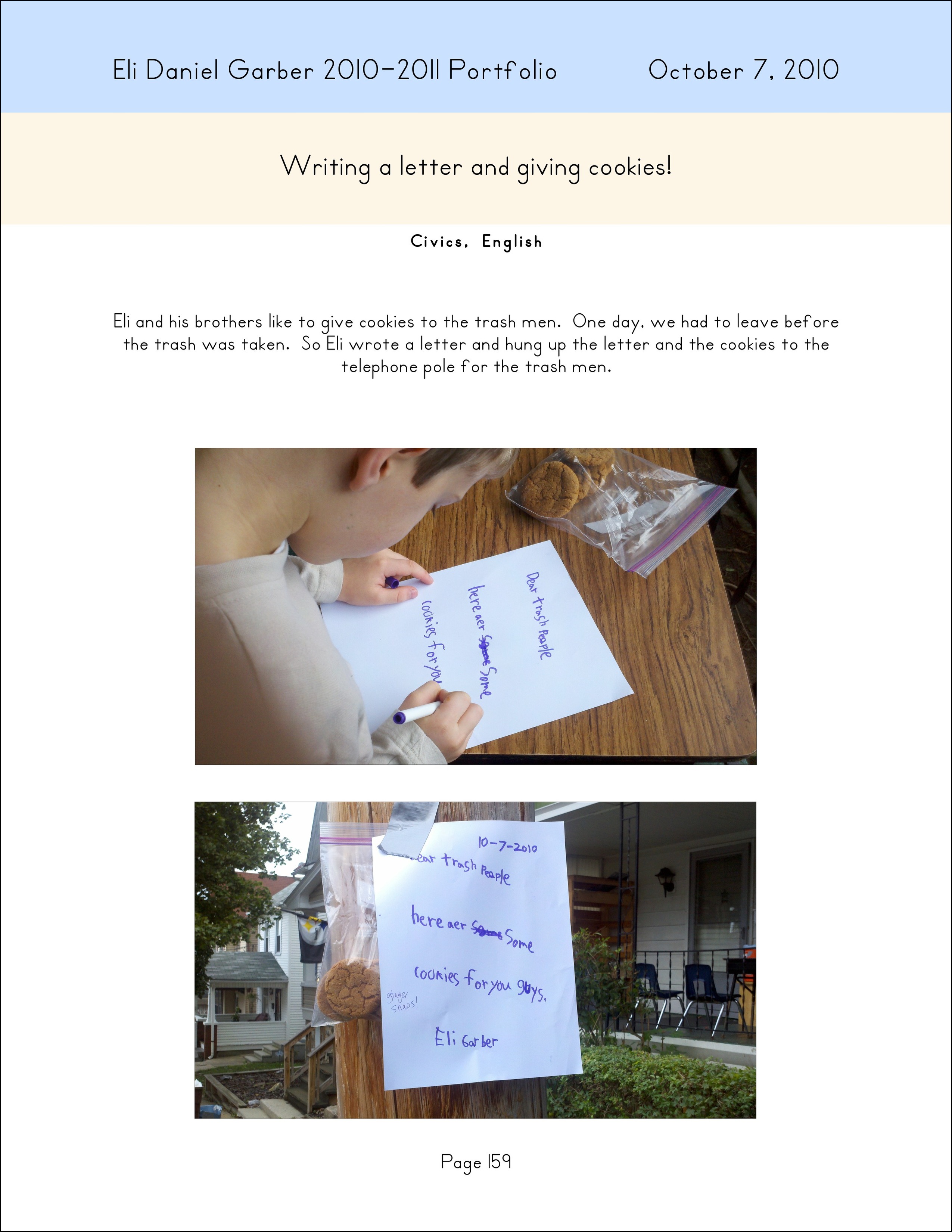
One of my favorites is on page 159 (read the letter on the telephone pole):
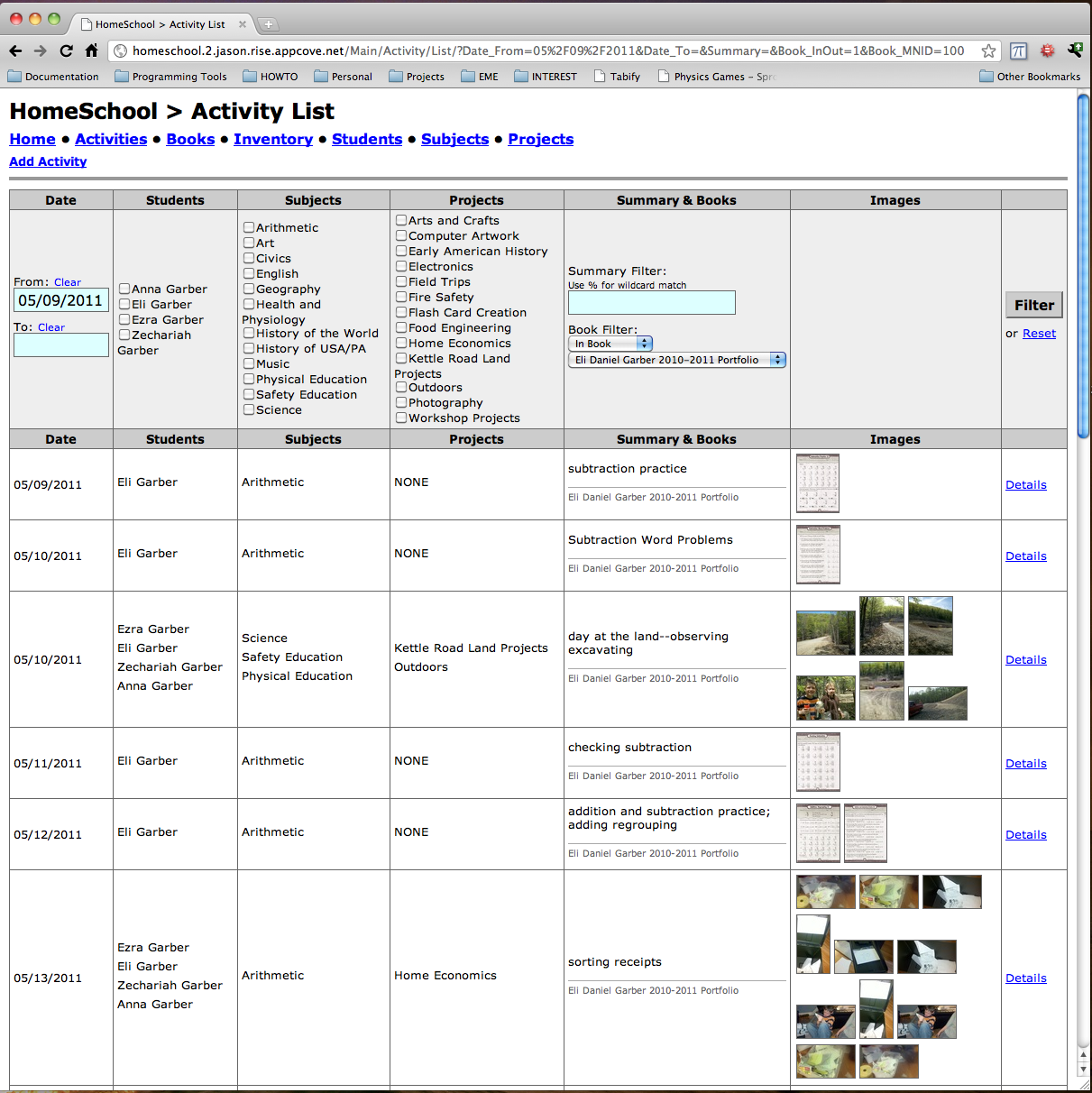
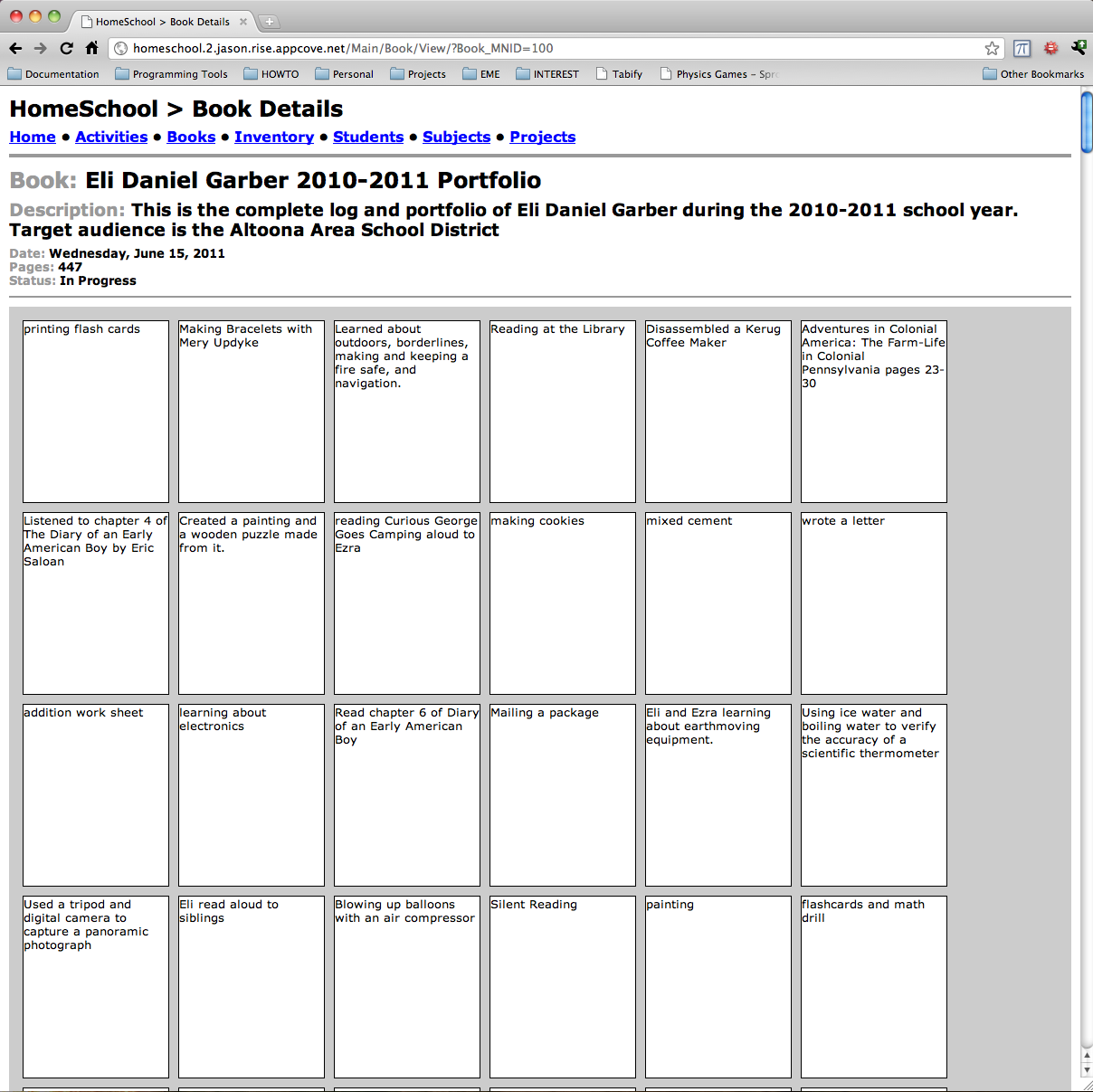
Here is a screen shot of the book view:

Someone contacted me about ideas for building a bench for a youth center out of PVC pipe. Based on this information, I thought it should:
Here is what I came up with as a rough draft. I’m not sure how to position the pipes so that it provides #4 above, but this was a rough guess. I’m using a SPLINE curve in SolidWorks with pipes 3″ on center.


Last couple days have had me working on the page rendering functionality of the HomeSchool software. I’ve made some design decisions (for now) to speed up development like fixed 8.5″ x 11″ pages. Hopefully later I will be able to go back and improve some aspects, but for now, time is of the essence.
Here is an example page render without the photographs included. Still need a UI for selecting photographs and positioning them on the white area of the page.
At the bottom, see an ImageMagick Text Example about the python code used to render multiple text areas and color blocks on one image…

It took me a long time to figure out how to use ImageMagick to place multiple text areas on one image. Here are some keywords for google:
ImageMagick, ImageMagick multiple text areas, ImageMagick pdf rendering, ImageMagick text.
      PrimerFont = join(App.Path, 'Static', 'Primerb.ttf')
      PrimerFontBold = join(App.Path, 'Static', 'Primer.ttf')
      RenderFile = join(TempDir, 'Render.jpg')

      # Build the full image
      subprocess.check_call((
        '/usr/bin/convert',

        # Setup the background
        '-size', '2550x3300',
        'xc:white',

        # Title Bar
        '-fill', 'grey14', '-draw', 'rectangle 0,0 2550,300',

        # Summary bar
        '-fill', 'RoyalBlue4', '-draw', 'rectangle 0,300 2550,600',

        # Description Bar
        '-fill', 'LightGrey', '-draw', 'rectangle 0,600 2550,1050',

        # Now draw the Name
        '(',
          '-density'    , '300',
          '-fill'       , 'white',
          '-background' , 'grey14',
          '-font'       , PrimerFont,
          '-size'       , '1650x150',
          '-gravity'    , 'West',
          '-pointsize'  , '20',
          'caption:'    + self.Book.Name,
        ')',
        '-gravity', 'NorthWest', '-geometry', '+150+150', '-composite',

        # Now draw the Date
        '(',
          '-density'    , '300',
          '-fill'       , 'white',
          '-background' , 'grey14',
          '-font'       , PrimerFont,
          '-size'       , '600x150',
          '-gravity'    , 'East',
          '-pointsize'  , '20',
          'caption:' + Activity.Date.strftime('%B %d, %Y'),
        ')',
        '-gravity', 'NorthEast', '-geometry', '+150+150', '-composite',

        # Now draw the Summary
        '(',
          '-density'    , '300',
          '-fill'       , 'white',
          '-background' , 'RoyalBlue4',
          '-font'       , PrimerFontBold,
          '-size'       , '2250x300',
          '-gravity'    , 'Center',
          '-pointsize'  , '20',
          'caption:'    + Activity.Summary.replace("\n", " "),
        ')',
        '-gravity', 'North', '-geometry', '+0+300', '-composite',

        # Now draw the Description
        '(',
          '-density'    , '300',
          '-fill'       , 'black',
          '-background' , 'LightGrey',
          '-font'       , PrimerFont,
          '-size'       , '2250x450',
          '-gravity'    , 'Center',
          '-pointsize'  , '14',
          'caption:'    + Activity.Description.replace("\n", "\\n"),
        ')',
        '-gravity', 'North', '-geometry', '+0+600', '-composite',

        # Now draw the Page
        '(',
          '-density'    , '300',
          '-fill'       , 'black',
          '-background' , 'white',
          '-font'       , PrimerFont,
          '-size'       , '2250x150',  #entire right half minus 150pt margin
          '-gravity'    , 'Center',
          '-pointsize'  , '14',
          'caption:'    + 'Page {0}'.format(self.PageNumber),
        ')',
        '-gravity', 'South', '-geometry', '+0+150', '-composite',

#        NameFile, '-geometry', '+0+0', '-composite',
#        DateFile, '-geometry', '+1275+0', '-composite',
#        SummaryFile, '-geometry', '+0+150', '-composite',
#        DescriptionFile, '-geometry', '+0+450', '-composite',

        RenderFile,
        ))
It’s that time of year again… Time to get the log and portfolio to the Altoona Area School District. One problem — the software isn’t quite ready!
However, I’ve been making daily progress on getting the “output” working. Here is how it is structured in this initial version:
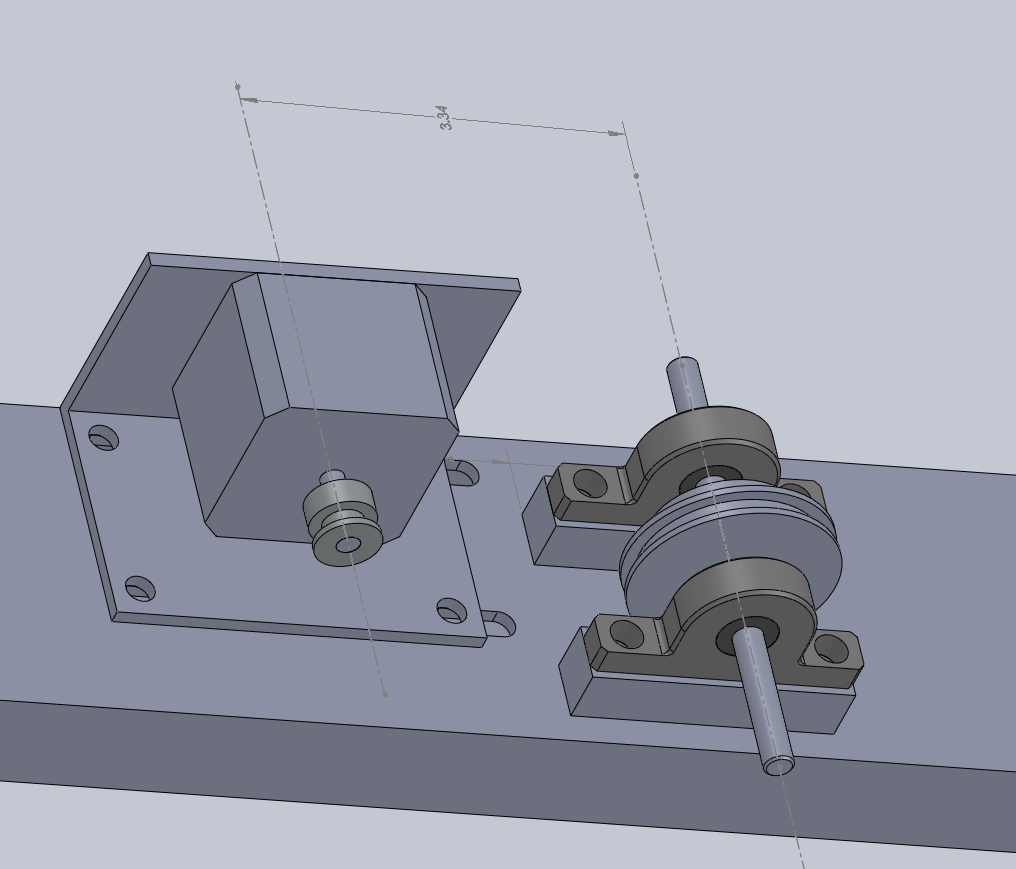
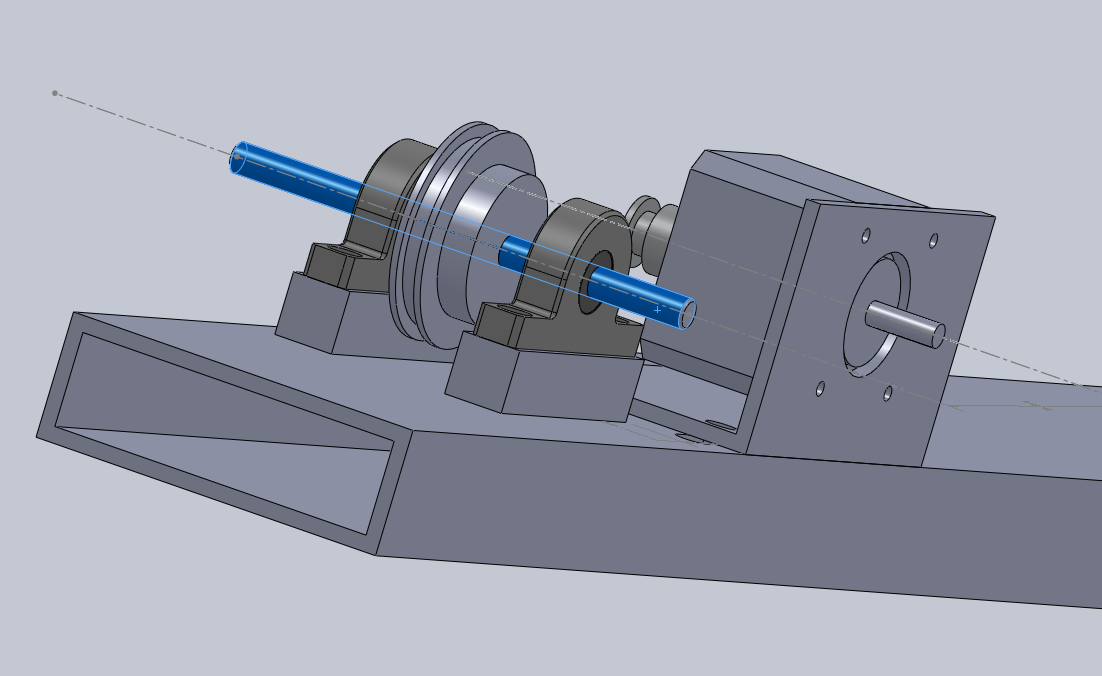
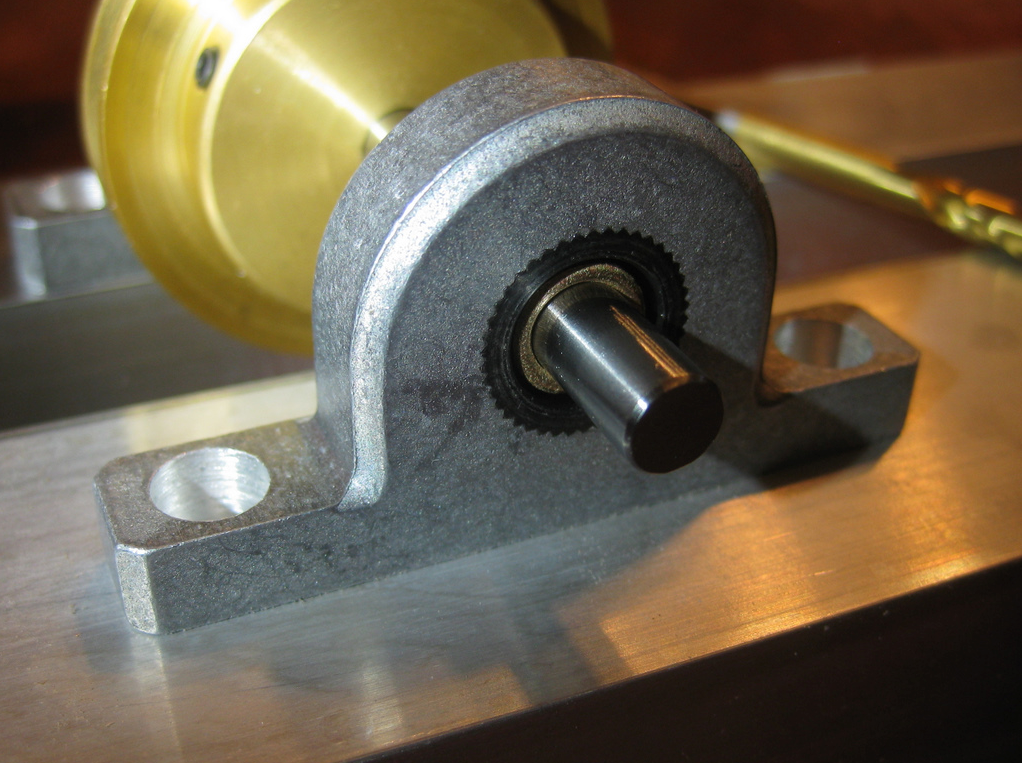
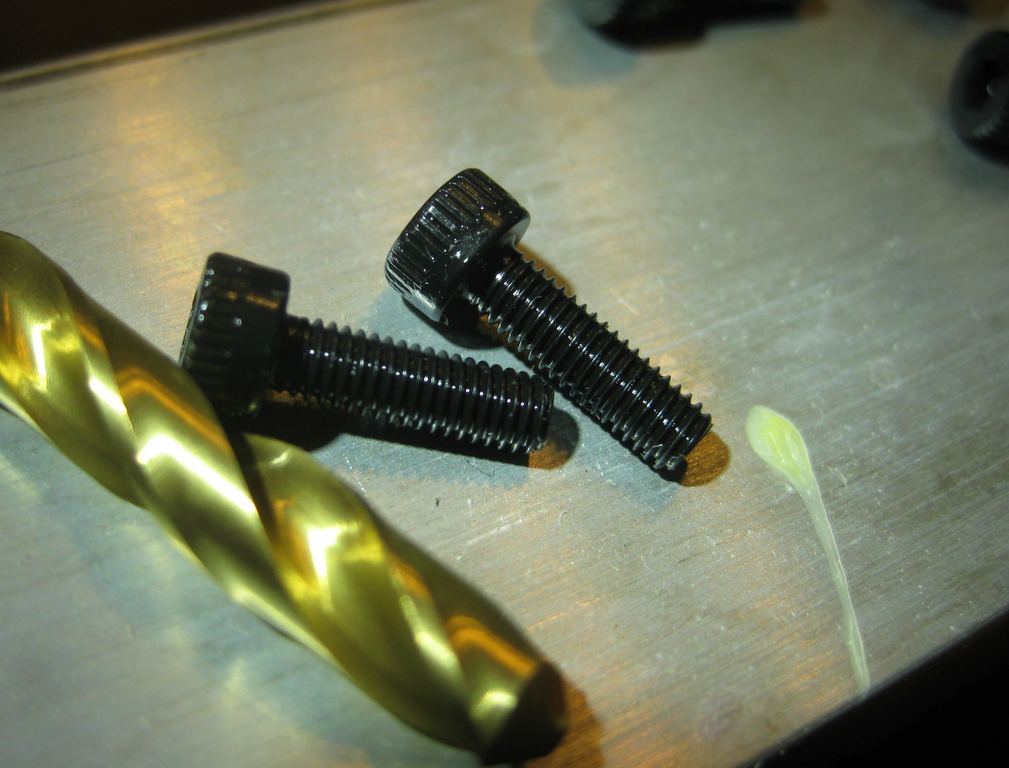
Have recently acquiried a nice stepper motor from Jameco Electronics. It is a small motor, less than 2″x2″x2″, but still has substantial torque. I will get into more Arduino + Circuits + Electro-Mechanical detail soon, but for the moment, I wished to share a couple of screen-shots of the 3D model and the actual parts that I am modeling and assembling.
In this model, I’m (quite happily) making heavy use cross-part references in the assembly. I caught onto that concept by reading the Top Down Design Overview at the SolidWorks website.


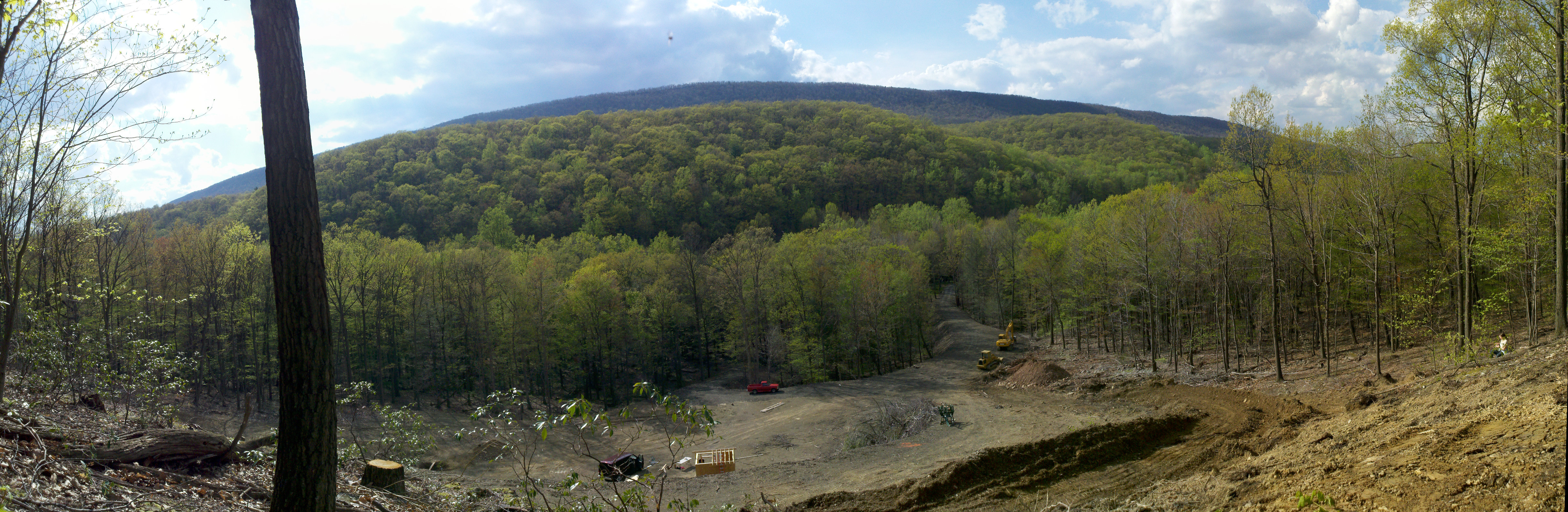
Here is a panoramic made of 12 shots with the Droid X camera. This time I held it sideways so to capture a taller viewing angle. I think it turned out nicely. Make sure to click on it to see it at full size.
Here are three wooden guns we cut out of a sheet of 3/4″ plywood. These outlines were drawn by hand impromptu, so they are not terribly well thought through or consistent, but the kids don’t seem to mind a bit :)

I captured this photo of a campfire using my Droid X.

From Slashdot:

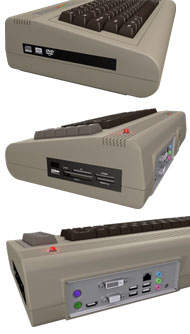 “After nearly 30 years, the Commodore brand has taken on new management and is re-releasing its flagship computer, this time with all the amenities of a modern-day computer packed inside. From the article: ‘The new Commodore 64, which will begin shipping at the end of the month, has been souped-up for the modern age. It comes with 1.8 gigahertz dual processors, an optional Blu-ray player and built-in ethernet and HDMI ports. The new Commodore is priced between $250 to $900.'”
 The Gahooa Perspective